





.png)
5000+
Institutions trust
CertifyMe
1M+
Learner wallets
worldwide
Global reach
Across diverse regions and sectors
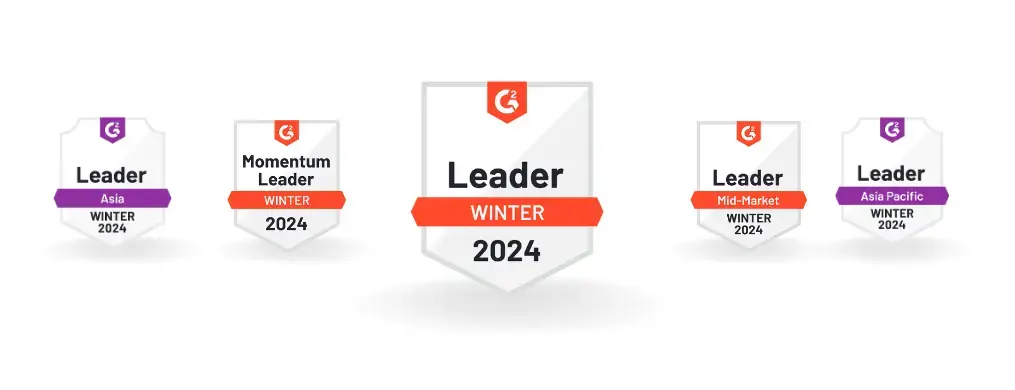



Impressive range of features sets it apart as the ultimate solution for certificate verification. Their enterprise plan, along with customizable options, caters to diverse company needs, making it an awesome choice.

What truly stands out about CertifyMe is the remarkable support provided by their customer success team. They go above and beyond to ensure a seamless experience. Additionally, the platform boasts a clear and intuitive user interface, allowing easy navigation and customization.

As a training provider, we appreciate the user-friendly interface and customizable digital badging options, which our students enthusiastically showcase on their social media profiles.

It offers an end-to-end solution, is user-friendly with single-click awarding, enables students to share badges on LinkedIn, provides branding options, and has excellent customer support and training.

Frequently Asked Questions
How do digital credentials appear on LinkedIn?
When a recipient receives a CertifyMe credential, they can add it to their LinkedIn profile’s Licenses and Certifications section with one click. CertifyMe automatically populates the issuer name, credential name, issue date, and a verification URL. The credential appears on their LinkedIn profile and is verifiable by any connection.
Can LinkedIn badges increase profile views?
Yes. LinkedIn credentials with verification links increase profile credibility and typically appear in employer searches. Learners who add digital badges to LinkedIn profiles consistently report higher profile views and connection requests — especially in professional and skills-focused industries.
Does CertifyMe integrate directly with LinkedIn?
Yes. CertifyMe has a built-in LinkedIn sharing integration. Recipients can add their credential to LinkedIn from the credential landing page or their CertifyMe wallet in one click. The integration follows LinkedIn’s Certification API standards for credential display.
